The short answer
Apple App Store: most apps are reviewed within 24 hours. Apple's own review page states that over 90% of submissions are reviewed in under 24 hours. In practice, developers report anywhere from 5 hours (updates from established accounts) to 2–3 days (new app submissions with sensitive categories).
Google Play: updates to published apps typically go through in 1–3 hours. New app submissions from new developer accounts can take 3–7 days, sometimes longer. First-time publishers receive more rigorous review; the timeline shortens significantly once you have publishing history.
The variance is the frustrating part. Community data consistently shows that the same type of submission can take 5 hours or 5 days depending on factors that aren't visible to the developer. Understanding those factors helps you plan around them. (If you're not sure what the status in App Store Connect is telling you, our guide to what every App Store review status means decodes "Waiting for Review," "In Review," and the rest.)
What affects Apple review speed
New submission vs. update
New app submissions take longer than updates. A brand-new app has no review history and requires a full evaluation. Updates to an existing app — especially small ones — often move through in under 12 hours. This is consistent across developer communities: "Releasing an update? Google takes a couple hours to get it out. Apple takes at least a full day. Urgent release on a Friday? Not happening with Apple."
App category
Categories that Apple scrutinizes more heavily get slower review times. The high-scrutiny categories:
- Health & Fitness / Medical — medical claims, health data handling, and regulatory considerations all add review time
- Finance — financial apps require verification of legitimacy and compliance; banking, investment, and payments apps are reviewed carefully
- Kids / 4+ rated apps — strict privacy requirements for children's apps mean more detailed review
- Apps with UGC or social features — content moderation requirements add surface area for review
A productivity app from an established account might be approved in hours. The same developer's first health app might take 3 days. The underlying code complexity doesn't matter — it's the category risk profile.
Account history
Apple Review weighs your track record. An account that has shipped 10 apps with clean approval history will see faster reviews than a brand-new account submitting its first app. Developers who have had previous guideline violations or a high rejection rate may see longer review queues.
What you include in the review notes
App Store Connect lets you add review notes — context for the reviewer, login credentials for demo accounts, and explanations for anything non-obvious. Apps that require a demo account to test (any app with login, subscription, or gated features) should include working credentials. Missing credentials means the reviewer can't test the app and will often reject it rather than ask for them. One developer in the community got a rejection because the reviewer tried to log in using the wrong method — the provided instructions weren't followed. Clear, step-by-step notes reduce this risk.
Timing: weekdays vs. weekends, time zones
Apple's review team operates around the clock, but developer reports consistently show slightly faster weekday reviews than weekend ones. Submitting a new app on Friday afternoon increases the chance of it sitting over the weekend. This doesn't affect most updates, but for first-time submissions where you're already anxious about timing, Monday or Tuesday is a safer target.
What affects Google Play review speed
New publisher vs. established account
Google Play's review process is explicitly more rigorous for new developer accounts. Google has stated this publicly — new accounts face extended review as part of spam and abuse prevention. The practical implication: your first app submission can take a week even if the app is straightforward. By your third or fourth published app, updates go through in hours.
Category, again
Health is the most commonly cited slow category on Google Play. Financial apps, VPN apps, and apps that handle sensitive data (messages, contacts, location) get longer reviews. A developer in the community had a productivity app held up partly because they selected "Health" as one of the categories — it triggered more scrutiny than a pure productivity classification would have.
Updates vs. new builds
Google Play is notably faster than Apple for update reviews. Multiple developers report Google Play updates going live within 1–3 hours, compared to Apple's typical 12–24 hours. For time-sensitive bug fixes, this is a meaningful operational difference.
Apple vs. Google Play: side-by-side
| Apple App Store | Google Play | |
|---|---|---|
| New app, new account | 1–3 days typical | 3–7 days typical |
| New app, established account | 12–24 hours typical | 1–3 days typical |
| App update | 12–24 hours typical | 1–3 hours typical |
| High-scrutiny categories | 2–5 days (Health, Finance, Kids) | 5–14 days (Health, Finance) |
| After rejection resubmission | Restarts the queue — another 24–48 hours | Restarts — another 3–7 days for new accounts |
| Expedited review available? | Yes (via App Store Connect) | No formal process |
How to request an expedited review from Apple
Apple offers an expedited review process for situations where there's a compelling reason: a critical bug causing crashes for users, a time-sensitive fix tied to a specific date (a sporting event, a product launch), or a security vulnerability. It's not a shortcut for impatience — Apple assesses the request and can decline it.
To request expedited review: contact Apple via the App Store Connect support form and select "App Review." Explain the specific reason and attach your app's App Store Connect link. Be concrete about the impact — "crashing for X% of users since iOS update" is more compelling than "we need it live quickly."
Expedited review doesn't guarantee approval — it just moves you up the queue. You still need to pass review. For the full walkthrough — what Apple accepts as a valid reason, approval odds, and why overusing it backfires — see our guide to App Store expedited review.
How to avoid delays before you submit
Most review delays aren't about the queue — they're about rejections that restart the clock. Each rejection on Apple adds another 24–48 hours; on Google Play with a new account, it can add another week. The best way to reduce total time-to-live is to submit a clean build.
Common rejection reasons that restart the clock unnecessarily (covered in depth in our post on every reason Apple rejected our app):
- Screenshots that don't match the current build (Guideline 2.3.3)
- Missing block feature for social apps (Guideline 1.2)
- Vague location permission strings (Guidelines 5.1.1, 5.1.5)
- Account deletion via email instead of in-app (Guideline 5.1.1(v))
- Missing Apple EULA link for subscription apps (Guideline 3.1.2(c))
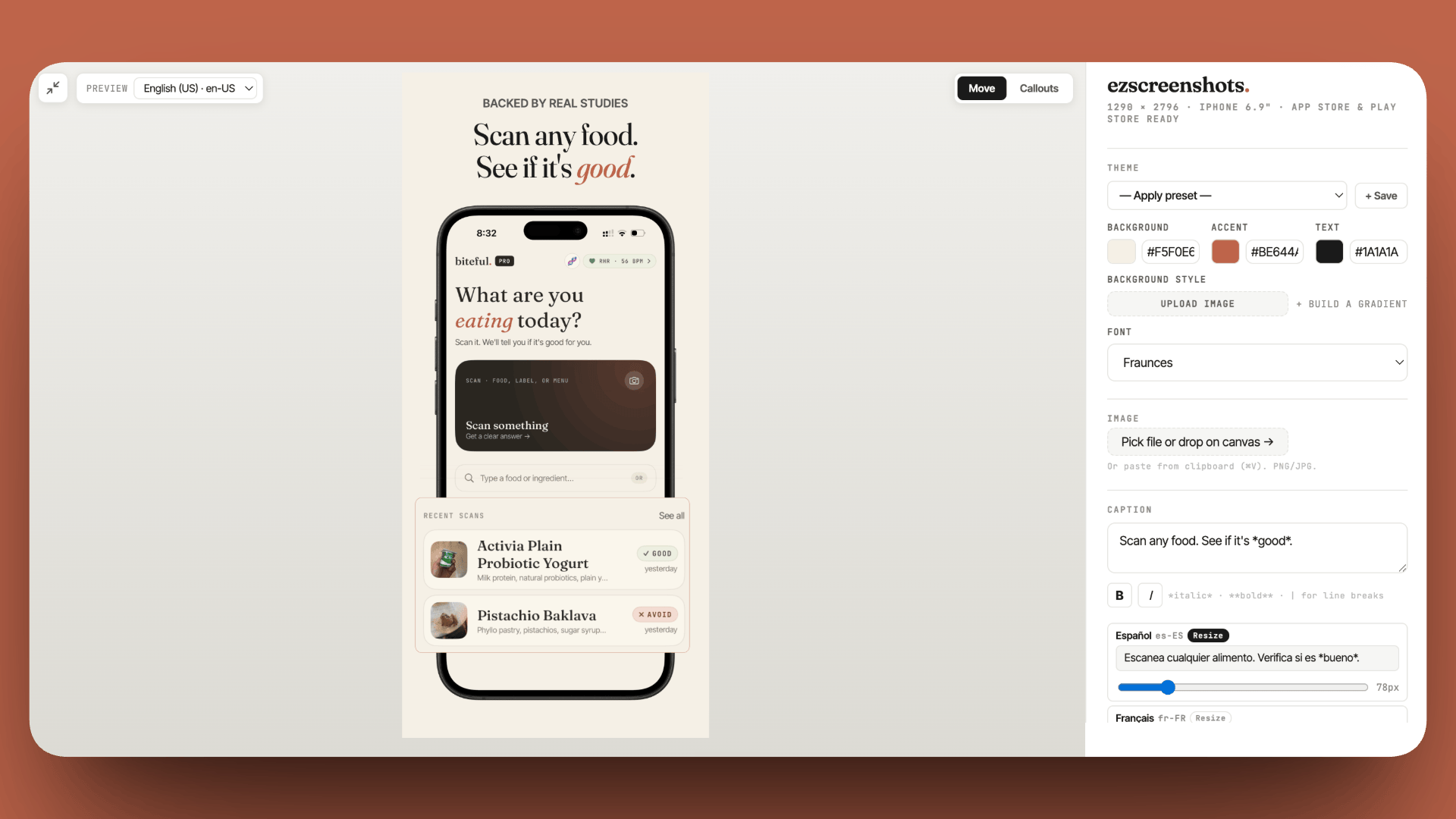
For screenshots specifically: the most common 2.3.3 rejection is screenshots that are the wrong dimensions for the submitted device sizes, or that show UI from a different version of the app. Using ezscreenshots with the correct device preset ensures the dimensions are right before you even open App Store Connect.
Tracking current review times
Review times shift with Apple's staffing, the volume of submissions, and major iOS releases (when many developers submit updates simultaneously). appreviewtimes.com aggregates self-reported review times from the developer community in near-real time — useful for checking whether current times are normal or elevated before you plan a launch date around them.
Don't let screenshots restart your review clock
Guideline 2.3.3 rejections add 24–48 hours to your timeline each time. Drop in your Simulator screenshots, pick your device preset, export at the exact dimensions Apple requires. Free, no account needed.
Try ezscreenshots →Summary
- Apple App Store: 90%+ reviewed within 24 hours according to Apple; updates faster than new submissions; established accounts faster than new ones
- Google Play: updates go live in 1–3 hours; new apps from new accounts take 3–7 days; category matters significantly
- High-scrutiny categories (Health, Finance, Kids, UGC apps) see longer review times on both platforms
- Rejections restart the clock — the best way to minimize total time-to-live is to submit clean, not fast
- Expedited review is available from Apple for genuine emergencies (crashes, security issues, time-sensitive events); request via App Store Connect support
- Live backend during review window: paused or rate-limited backends cause rejection that looks like a broken app
- Current times: appreviewtimes.com tracks community-reported times in real time