What Apple Search Ads actually is
Apple Search Ads places your app at the top of App Store search results for keywords you bid on. When a user searches a term you're targeting, your app appears above organic results — labeled "Ad" — with your icon, name, subtitle, and the beginning of your first screenshot. The user taps through to your regular product page and either downloads or doesn't.
There are two tiers: Apple Search Ads Basic (Apple manages targeting automatically, $10k/month cap, simpler interface) and Apple Search Ads Advanced (full keyword control, custom product pages per keyword, no spending cap, deeper analytics). For indie developers doing deliberate optimization, Advanced is worth the additional complexity.
The pricing model is cost-per-tap (CPT) — you pay when someone taps your ad, not when they install. Apple also reports cost-per-acquisition (CPA) based on taps that resulted in downloads, which is the number that matters for ROI calculations.
Real developer CPA numbers
Community data from r/iOSProgramming gives a useful spread:
| Scenario | Reported CPA | Context |
|---|---|---|
| Established app, mature keywords | ~$0.75 | App with strong listing conversion and existing rating history |
| Growing app, optimized campaign | $1.50–$3.00 | Developer who has iterated on keywords and custom product pages |
| New app, competitive niche | $5.00–$8.00 | New account, weak listing conversion, competitive keywords |
| New app, highly competitive niche | $10.00+ | Youth sports, finance, fitness — categories dominated by large publishers |
These are rough community benchmarks, not Apple-published figures. Your actual CPA depends heavily on your listing's conversion rate and your keyword competitiveness. The same app bidding on the same keywords can see dramatically different CPAs after improving its first screenshot.
The listing-first principle
The most important insight from developers who've run ASA comes down to one sentence: search ads work well if your store listing actually converts — otherwise you're just buying clicks.
Here's why: ASA drives users to your product page. What happens next is entirely determined by your listing. A weak first screenshot, a vague subtitle, a description that buries the value proposition — all of these cause users to leave without downloading. You've paid for the tap but got no install.
One developer in the community made this explicit: they ran ASA for four weeks and saw downloads rise 10x — but subscription conversions remained flat at baseline. Downloads went up because the ads were working. Paid conversions didn't because the in-app onboarding and paywall weren't converting. ASA revealed the actual bottleneck: not awareness, but in-app conversion.
Before running ASA, check three things:
- First screenshot: does it communicate a specific benefit clearly in the top third of the image? This is what users see in the search result before they tap. See our guide on previewing your app in search results.
- Conversion rate: what percentage of product page views result in downloads? Check this in App Store Connect under Analytics. Below 20% on a relatively warm audience (ASA traffic) suggests a listing problem. Use ezscreenshots to rebuild your screenshot set with clearer captions if you're below that threshold.
- Ratings: apps with no ratings or low ratings convert poorly from ads. Get your first 20–30 reviews organically before running paid campaigns.
ASA installs and organic ranking: a known issue
One consistent finding from developers running ASA: paid installs don't appear to boost organic keyword rankings the same way organic installs do. Developers report running campaigns that drove 10x download volume while their keyword rankings stagnated or even declined.
Apple hasn't published specifics on how ad installs are weighted in the ranking algorithm, but the community consensus is that organic downloads — installs driven by unpaid search — carry more weight as ranking signals than ad-driven installs. This means ASA is effective for driving installs and revenue, but it doesn't substitute for the organic ranking work that compounds over time.
The practical implication: use ASA to generate revenue and user feedback while your organic ranking builds. Don't expect ad spend to shortcut your way to organic chart position.
When ASA makes sense for indie developers
Good fit
- Your LTV exceeds your CPA. If a paying user is worth $15–$20 (typical for a $4.99/month subscription at 3–4 month average retention), paying $2–$4 per install on a targeted keyword is a positive return. If your LTV is $3, no CPA is profitable.
- You're in a niche with low keyword competition. Competing against Duolingo on "language learning" is a budget-draining exercise. Targeting "Finnish language practice" or "medical Spanish vocabulary" — specific, intent-loaded queries with fewer competing bids — can yield low CPAs that make small budgets work.
- Your listing is already converting well organically. A listing that converts 25%+ of organic traffic is a good candidate for paid amplification. A listing converting below 15% needs work first.
- You want keyword intelligence. Even a small ASA budget reveals which keywords drive installs and what the search volume looks like. This data is valuable for organic ASO — you learn which terms your target users actually use to search.
Poor fit
- Your app has fewer than 20–30 ratings. Ads drive users to a listing that looks unproven. Low ratings and few reviews increase bounce rates from the product page.
- You haven't measured in-app conversion. If you don't know your trial-to-paid or free-to-paid conversion rate, you don't know whether more installs translates to more revenue. ASA without this measurement is spending without feedback.
- Your category is dominated by large publishers with large bids. Fitness, finance, and social apps tend to have high CPAs because major publishers bid aggressively on the core keywords. Small budgets get outcompeted and either don't spend or spend unprofitably.
A minimum viable ASA test
If you want to try ASA without committing significant budget:
- Set up Apple Search Ads Advanced — the added control is worth it even for small tests.
- Start with exact-match keywords only, targeting 5–10 highly specific terms that describe your app's core use case. Avoid broad match initially — it spends budget on irrelevant queries.
- Set a daily budget of $5–$10 and a max CPT bid of $1.50–$2.00. Let it run for 2 weeks.
- Check CPA and conversion rate after two weeks. If CPA is below your LTV, scale the budget. If it's above, either the keywords are wrong, the listing needs work, or the app category doesn't support profitable ASA at your current scale.
- Use Custom Product Pages for your top-performing keywords — a page tailored to a specific search intent converts better than your generic default page. See our guide on App Store A/B testing and Custom Product Pages for how these work.
Alternatives worth testing alongside ASA
ASA isn't the only paid channel. Developers who've found ASA unprofitable have had mixed but sometimes positive results with Meta ads (Facebook/Instagram). The consensus from the community: Meta ad manager is painful to use, but running through the full ad network (not just boosting posts) and targeting iOS users with specific demographic and interest filters can break even or better for apps with visual appeal that shows well in a video or image ad. The conversion path is longer (Meta → App Store product page → download) so listing quality matters there too.
For most indie developers, the sequence is: organic channels first (Reddit, building in public, directories — covered in our guide on zero-budget app marketing), then ASA once you have ratings and a proven listing, then Meta/TikTok ads if ASA economics don't work for your category.
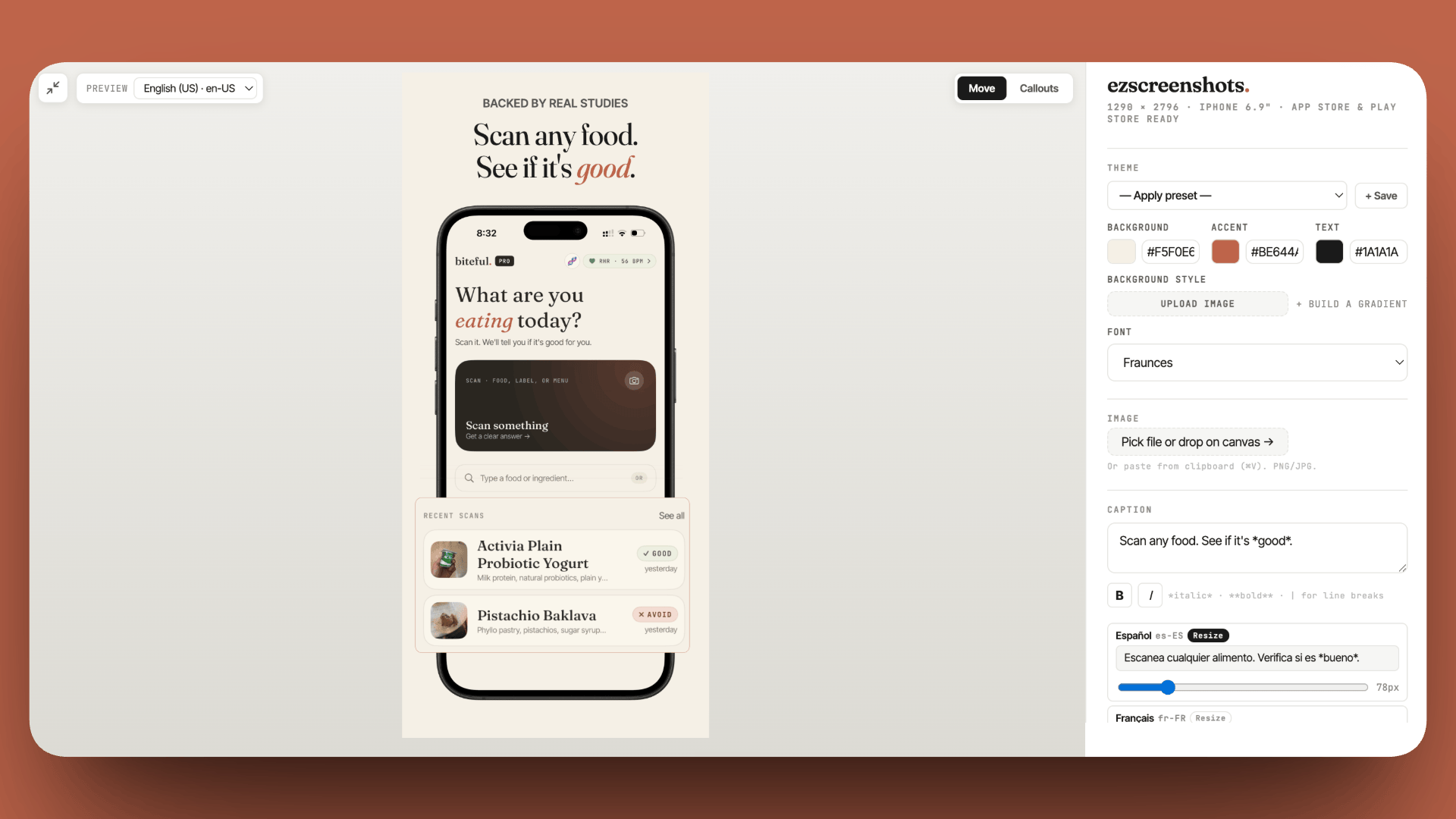
Fix your listing before you run ads
A weak first screenshot converts ASA traffic poorly — you pay for the tap but lose the install. Drop in your Simulator screenshot, add a clear benefit caption, export at the right dimensions. Free, no account needed.
Try ezscreenshots →Summary
- CPA range in practice: $0.75 (established app, mature keywords) to $8+ (new app, competitive niche) — highly dependent on listing conversion rate
- Listing first: ASA drives taps to your product page; if your listing doesn't convert, you're just paying for bounces
- ASA installs don't boost organic ranking the same way organic installs do — don't use paid spend as a shortcut to chart position
- Good fit: LTV > CPA, niche keywords with low competition, listing already converting 20%+, need keyword intelligence
- Poor fit: fewer than 20–30 ratings, unknown in-app conversion, highly competitive category
- Minimum viable test: exact-match keywords, $5–$10/day, 2 weeks, check CPA vs LTV before scaling
- Custom Product Pages improve conversion per keyword — pair with ASA Advanced for best results