What Guideline 4.3(b) says
Apple's Guideline 4.3(b) targets apps that duplicate the content or functionality of existing apps in saturated categories. The rejection language is typically some version of:
"The app duplicates the content and functionality of similar apps in a saturated category. There are already enough of these apps on the App Store."
The guideline applies when Apple's reviewers determine that your app's core function is already served by many existing apps and that yours adds nothing meaningfully distinct. It's broader than plagiarism — it doesn't require that your app copied a specific competitor, just that it's one of many apps doing the same thing in a category Apple has deemed crowded.
Categories that get 4.3(b) scrutiny most often: simple games (drinking games, party games, trivia), calculators and converters, flashlight apps, QR code scanners, basic to-do lists, and other utilities where the App Store already has hundreds of near-identical entries.
4.3(b) frequently arrives alongside a guideline 4.0 / 4.2 minimum-functionality rejection — the two share a root cause (an app that isn't distinct or substantial enough), so it's worth understanding both if your rejection cites either.
Why it can hit an update to an already-approved app
This is the part that feels arbitrary and infuriating: a developer's app was approved at launch, approved on a second submission, ran live for three months, and then got a 4.3(b) rejection on a major update. The app's core functionality hadn't changed.
Two mechanisms explain this:
Different reviewers, evolving standards
Each submission is reviewed by a different team member. Prior approval isn't binding — it means a previous reviewer cleared the app, not that Apple has permanently committed to allowing it. Guidelines also evolve, and Apple periodically re-evaluates categories that have become more saturated. An app that passed a less-saturated category review in early 2024 may not pass the same category in 2026 when Apple's reviewers are applying stricter standards.
Major updates can trigger deeper review
Routine updates (bug fixes, minor feature tweaks) often go through faster, lighter review cycles — sometimes automated checks. A major update with new content, extended onboarding, and new feature categories is more likely to receive full human review, which applies the current version of guideline interpretation rather than whatever standard the original submission cleared.
This is essentially a delayed review catching up with the app. As one experienced developer put it: "Even if your app is published, it doesn't mean it actually passed all policies — automated systems may have let it through, and the actual human didn't look at it properly until now."
What "unique experience" actually means to Apple
The rejection language tells you to "submit a new app that provides a unique experience not already found on the App Store." This is vague. In practice, the test is whether a reviewer can look at your app and identify something specific that existing apps in the same category don't offer.
That distinction has to be:
- Functional, not cosmetic. A different color scheme or a different icon doesn't differentiate your app. A different mechanic, a unique data source, an integration that doesn't exist elsewhere, or a user experience model that's genuinely distinct — these can.
- Core, not peripheral. If your distinguishing feature is buried in settings or optional to the main flow, it won't register as a differentiator. The reviewer sees what a typical user sees in the first two minutes.
- Demonstrably present, not just described. You can't differentiate on paper — the reviewer needs to see it when they use the app.
For a party game app, differentiation might look like: a unique social mechanic (live multiplayer, friend groups, party-specific features), integration with music or other live data, a specific cultural or language angle not served by existing apps, or a game format that genuinely doesn't exist elsewhere. "More categories" and "improved onboarding" are improvements to an existing concept, not differentiation from it — which is exactly why the developer in this case got rejected despite their update being a substantive one.
How to appeal through the Resolution Center
A 4.3(b) rejection is worth appealing before resubmitting or pivoting. Appeals go to a different reviewer and frequently overturn the original decision — especially when the original rejection was on an update to a previously approved app.
The appeal process:
- Go to App Store Connect
- Open your app → click the rejected submission
- Click Appeal in the Resolution Center
- Write your appeal (more on this below)
Writing an effective appeal
An appeal to a 4.3(b) on an update has a specific argument available that a first-submission appeal doesn't: you can demonstrate that Apple's own review process has already validated this app twice. Lead with that.
Structure that works:
- State the facts first. "This app was approved on [date] and again on [date]. It has been live for [X months] with [Y downloads]." The reviewer seeing your appeal may not have access to the full submission history — making it explicit matters.
- Describe what is unique about your app specifically. Don't argue that your category isn't saturated — Apple won't agree with that. Instead, describe what your app does that the existing apps don't. Be concrete: "Unlike the other apps in this category, ours includes [X] and [Y], which no existing app in this category offers." If you can name the closest competitor and describe the functional difference, do it.
- Note that the update didn't change core functionality. If the 4.3(b) hit on an update, state that explicitly — "The rejected update adds [new categories] and [improved onboarding] but does not alter the core concept that was approved at launch."
- Request a senior review. You can explicitly ask that the appeal be reviewed by the App Review Board rather than the standard review team. This isn't always granted, but asking signals that you take the appeal seriously.
If the appeal fails: what to do next
If the appeal doesn't overturn the rejection, you have two real paths:
Path 1: Demonstrate differentiation more visibly
Add or promote the feature that most distinguishes your app from the competition, and make sure it's front and center — in the onboarding, in the App Store listing, and in the review notes you submit with your next attempt. The goal is to make the differentiating feature the first thing a reviewer encounters, not something buried after several taps.
Your App Store screenshots are part of this signal. A screenshot that shows the unique mechanic or feature — with a caption that names what it is and why it's different — communicates differentiation before the reviewer even installs the app. Use ezscreenshots to rebuild your screenshot set to lead with your most distinctive feature rather than a generic representation of the app.
Path 2: File an appeal with the App Review Board
If Resolution Center appeals are exhausted, Apple offers a formal App Review Board appeal. This is a higher-level escalation that takes longer but can resolve cases where standard review has reached an incorrect conclusion. Include your full submission history, your appeal arguments, and any specific evidence that your app is functionally distinct from competitors.
Designing for differentiation from the start
The best defense against 4.3(b) is building differentiating features into the core app concept rather than adding them later. Before submitting an app in a known-saturated category:
- Search the App Store for the 5–10 most similar apps and write down what your app does that none of them do
- If you can't write that list, that's a sign to develop the differentiation before submitting
- Make the differentiating feature the first thing a user sees — in onboarding and in the first screenshot
- Include a clear description of the differentiation in your review notes when submitting
A strong App Store listing — screenshots that lead with your unique mechanic, a subtitle that names the specific problem only you solve, a description that leads with the differentiator — also signals to reviewers that this is a thoughtfully built product rather than a quick clone. See our guide on what Apple looks for in screenshots during review for the specific requirements.
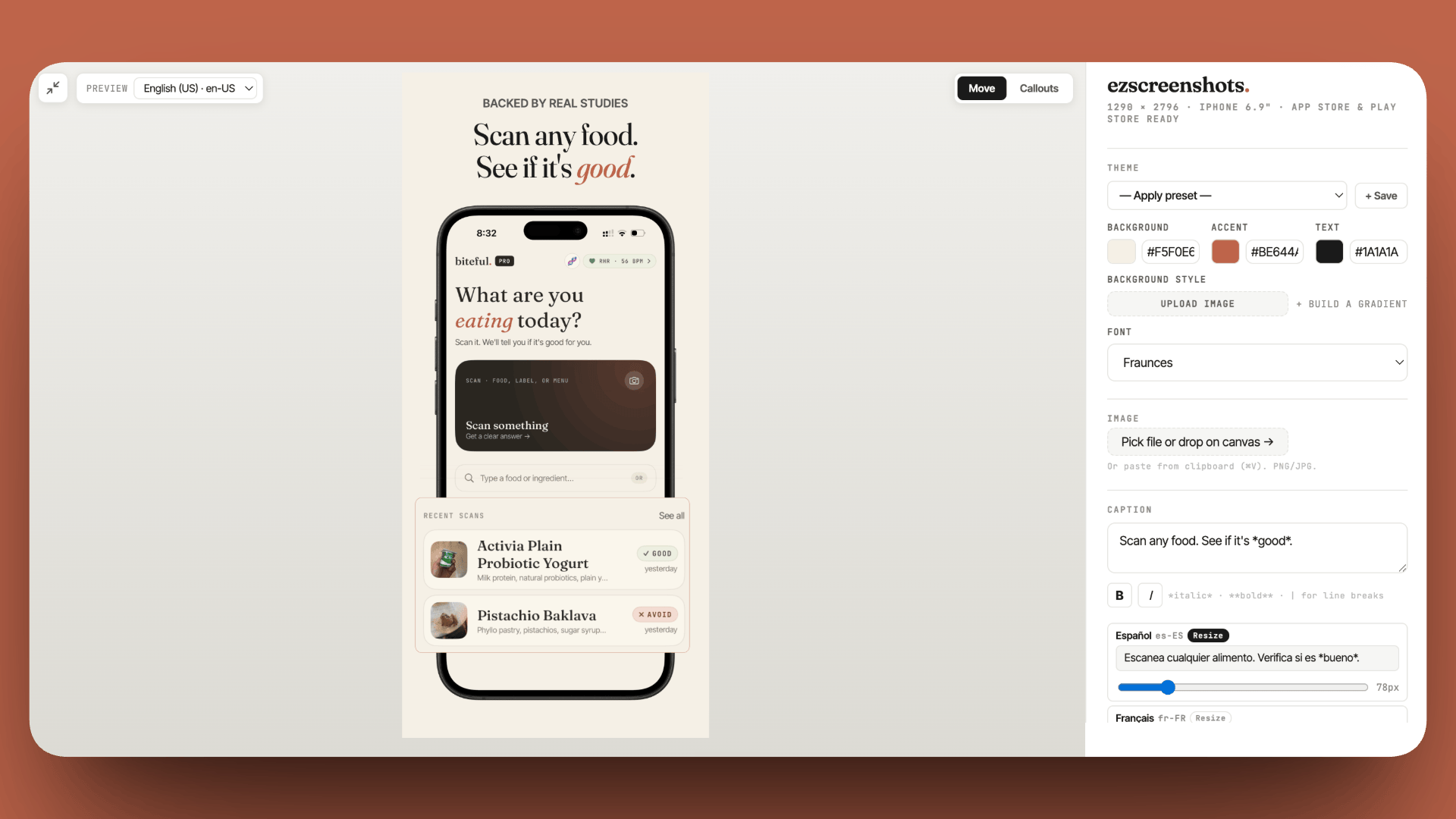
Lead with what makes your app different
Your first screenshot is what reviewers and users see first. Make it show your unique feature, not a generic representation of the category. Drop in your Simulator screenshot, add a specific caption, export at the right dimensions. Free, no account needed.
Try ezscreenshots →Summary
- 4.3(b) targets apps that duplicate functionality in saturated categories — even if your app was previously approved
- Prior approval isn't protection: different reviewers apply evolving standards; major updates trigger deeper human review that may catch what automated review missed
- Differentiation must be functional, core, and visible — cosmetic differences don't satisfy 4.3(b), and peripheral features reviewers won't find don't count
- Appeal first via the Resolution Center before resubmitting — lead with your approval history, describe the specific functional difference, note the update didn't change core concept
- If appeal fails: make the differentiating feature front-and-center in onboarding and screenshots, or escalate to the App Review Board
- Design for differentiation early: list what your app does that the top 5 similar apps don't, and build that into the core experience before you submit