The problem: no backend, multiple devices
Most indie app subscriptions follow the same pattern: you add RevenueCat, hook up the paywall, and it works — on one device. Then a user emails you saying they paid on their iPhone and their iPad is asking them to subscribe again. (If you're still setting up RevenueCat for the first time, see the complete paywall setup guide first.)
The root cause is RevenueCat's identity model. By default, RevenueCat assigns each new app installation an anonymous random ID. A user who installs on two devices gets two separate RevenueCat identities. Those identities have no connection to each other, so a purchase on one device isn't visible on the other.
The good news: this is a well-solved problem, and RevenueCat gives you the right tools for each scenario — with or without a backend.
How RevenueCat identity works
RevenueCat's identity system has three layers:
- Anonymous App User ID — assigned automatically on first launch, looks like
$RCAnonymousID:.... Persists across app reinstalls on the same device via Keychain (iOS) or SharedPreferences (Android), but is device-specific. - App User ID — a string you supply, typically your own user ID from Firebase, Supabase, or any auth system. When you call
Purchases.logIn("your-user-id"), RevenueCat links that anonymous ID to your supplied ID and merges any purchases. - Alias network — RevenueCat maintains a graph of aliases. A single real user can have multiple anonymous IDs (from multiple devices) all aliased to one App User ID.
The solution for multi-device access is therefore: supply a consistent user identity across devices. RevenueCat will then return the correct CustomerInfo (including active entitlements) regardless of which device makes the request.
Approach 1: Sign In with Apple (the simplest option for offline apps)
For apps that have no backend and no user accounts, Sign In with Apple is the lowest-friction way to get a stable cross-device user ID. Apple provides a unique stable identifier per user per app — you pass this to RevenueCat as the App User ID, and purchases immediately sync across all devices signed in to the same Apple ID.
The flow:
- User taps "Subscribe" or "Restore Purchases" — if they haven't identified themselves, prompt Sign In with Apple
- Call
Purchases.logIn(appleUserIdentifier)with the stable ID Apple provides - RevenueCat merges the current anonymous session with the identified user and returns the correct entitlements
This approach requires no server. Apple handles the identity; RevenueCat handles the entitlement state. The one tradeoff: the user has to go through a Sign In with Apple prompt, which adds friction. For many utility apps this is acceptable; for very lightweight apps it may feel disproportionate.
Approach 2: Restore purchases (the zero-friction option)
Apple's StoreKit has a built-in restore mechanism that RevenueCat exposes as Purchases.restorePurchases(). When called, it contacts Apple's servers, retrieves all purchases made by the current Apple ID, and syncs them to the current RevenueCat anonymous ID on that device.
This is the right approach when:
- You don't want any sign-in flow
- You're willing to ask users to manually tap "Restore Purchases" when switching devices
- Your app's use case makes it acceptable for the user to be the one who initiates the sync
Apple's App Store Review Guidelines actually require that apps with non-consumable IAP or auto-renewing subscriptions include a Restore Purchases button (Guideline 3.1.1). Most subscription apps should have this regardless of their identity strategy.
Purchases.restorePurchases() calls SKPaymentQueue.restoreCompletedTransactions() under the hood, which asks Apple to re-deliver all non-consumable and subscription receipts for the current Apple ID. RevenueCat validates these receipts server-side and updates the current user's entitlements. It does not create a user account or link devices — it just re-validates Apple's records against the current RevenueCat identity.
Approach 3: iCloud key-value store (for fully offline sync)
If your app needs subscription state to sync across devices without any network call to RevenueCat — i.e., the device is offline — you can store a lightweight flag in NSUbiquitousKeyValueStore (iCloud KV store).
The pattern:
- After a successful purchase, write a flag to iCloud KV:
NSUbiquitousKeyValueStore.default.set(true, forKey: "isPro") - On app launch, read the flag: if it's set, show Pro content (or at minimum, don't show the paywall)
- Also call RevenueCat's
getCustomerInfo()in the background to get the authoritative server-side state - If RevenueCat returns an expired entitlement, clear the iCloud flag and show the paywall
This approach gives instant cross-device sync via Apple's infrastructure with no server of your own. The caveat: iCloud KV sync is not instant — it can take a few seconds to minutes depending on connectivity. Use it as a UI optimisation (avoid showing the paywall before RevenueCat responds), not as your authoritative source of truth. RevenueCat's server response is always authoritative.
The identity merge gotcha
RevenueCat merges anonymous IDs into identified users — but only in one direction. If you call Purchases.logIn() with a user ID that already has purchases, and the current anonymous ID also has purchases, RevenueCat merges them. But if you later call Purchases.logOut(), the anonymous ID it creates for the post-logout session is fresh — it doesn't retain the identified user's history.
The practical implication: if your app has a sign-out flow, always call Purchases.logOut() when users sign out, and always call Purchases.logIn() when they sign back in. Never assume the anonymous session will carry the identified user's purchases after logout.
Recommended patterns by app type
| App type | Recommended approach | Why |
|---|---|---|
| Has Firebase/Supabase auth | Pass your auth UID to Purchases.logIn() on sign-in |
Single source of truth for both auth and billing; automatic multi-device sync |
| No backend, wants seamless cross-device | Sign In with Apple → pass stable ID to RevenueCat | No server needed; Apple handles identity; RevenueCat handles entitlements |
| No backend, acceptable manual restore | Anonymous IDs + visible Restore Purchases button | Zero friction on first install; user-initiated sync on device switch |
| Fully offline, needs instant UI sync | iCloud KV flag + RevenueCat as authoritative source | Fast UI response offline; server validates on next connection |
One thing worth testing before launch
RevenueCat's sandbox environment lets you test the full purchase → restore → multi-device flow before going live. Create two simulator instances (or a physical device + simulator) signed in to the same Apple sandbox test account, and verify that restorePurchases() on the second device correctly unlocks entitlements. This test catches most identity configuration issues before they become user support emails.
The RevenueCat debugging guide documents how to enable verbose logging so you can see exactly what the SDK is doing during each purchase and restore call — invaluable for tracing identity merges in sandbox.
Getting more out of RevenueCat once billing is stable
Once subscription state is solid across devices, the next conversion lever is upstream: getting users to install in the first place. RevenueCat's dashboard will show you trial starts, trial conversions, and churn — but those metrics are all downstream of the App Store listing that drove the install.
The first screenshot is where the funnel begins. A clear outcome-focused caption ("Track every bill. Never miss a payment.") converts more of the people who find your listing into installs — and those installs are the ones who reach your RevenueCat paywall. ezscreenshots handles the screenshot side: drop in your Simulator screenshot, write the outcome caption, export at the correct dimensions for your device targets.
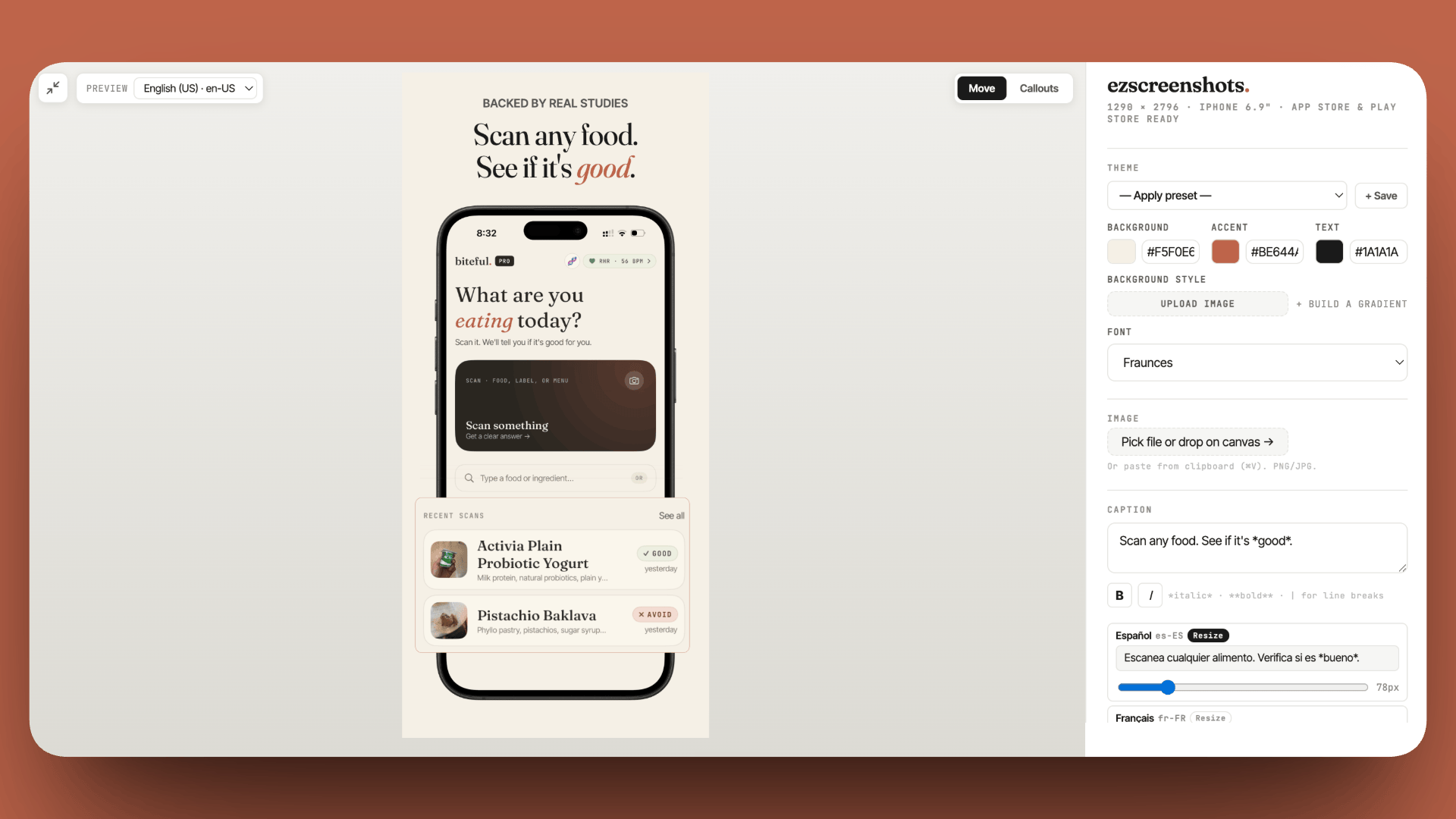
Optimize the top of the RevenueCat funnel
Your paywall converts a percentage of installs. Your first screenshot determines how many installs you get. Outcome-focused captions drive more installs from the same search traffic. Free, no account needed.
Try ezscreenshots →Summary
- Default behavior: RevenueCat assigns a device-specific anonymous ID — purchases on one device are invisible on another without identity linking
- Fix with auth: call
Purchases.logIn(yourUserId)on sign-in with any stable identifier; RevenueCat merges the anonymous history and syncs entitlements across devices - No-backend option: Sign In with Apple gives you a stable cross-device identifier with no server required
- Zero-friction option: anonymous IDs + a visible Restore Purchases button; user initiates sync manually when switching devices (required by App Store guidelines for subscriptions anyway)
- Offline sync: iCloud KV store for instant UI — write a flag on purchase, read on launch; treat RevenueCat's server response as authoritative when it arrives
- Merge gotcha:
Purchases.logOut()creates a fresh anonymous ID — always calllogIn()again on re-authentication - Test in sandbox: simulate two devices with the same Apple sandbox account before launch; use verbose logging to trace identity merges