The $0.99 experiment that worked
An iOS developer on r/iosdev gave themselves less than 24 hours to ship a minimal app: a home screen widget showing how much of the current season remained. No accounts, no subscriptions, no analytics on day one. Priced at $0.99 as part of the experiment.
It climbed the charts briefly after launch, stabilized, and crossed 1,000 downloads — roughly $650 in revenue after Apple's 30% cut. For a one-day build with no marketing, that's a meaningful signal. The top comment in the thread identified what it was: "This is a compelling case for not overthinking or over-engineering."
But the real question the thread raised was more interesting: was the $0.99 price a feature? Did the paid-upfront model help, or would free+subscription have done better? The answer depends on factors most developers don't think through before picking a pricing model.
The three models and what each signals to users
Every app pricing decision communicates something to the user before they've read a single word of your description. Understanding what each model signals is the starting point for choosing correctly.
Paid upfront
A paid app signals commitment on both sides: the developer is confident enough in the value to ask for money before the user has tried it, and the user who pays is self-selecting as genuinely interested. The friction of paying upfront filters out casual browsers and produces a download base that's more likely to actually use the app.
The downside is obvious: most users will skip a paid app without a trial. The App Store has no paid trial mechanism (Apple's free trial is subscription-only). A potential user can read your description and look at your screenshots, but they can't touch the product before committing. This makes the listing — especially the first screenshot and subtitle — disproportionately important. The screenshot has to do the job that a free trial normally does: convince the user they already understand the value.
Free with in-app purchase (one-time unlock)
A free app with a one-time IAP unlock gives users access to the core experience before committing to pay. The conversion funnel is: install → use the free tier → hit the paywall → decide to unlock. This works well when the core value is demonstrable quickly — users can experience the "aha moment" in the free tier and then pay to remove limits or unlock advanced features.
The model works poorly when the free tier is too generous (users never hit the paywall), too restrictive (users can't evaluate the value before paying), or when the paywall placement is awkward. One-time IAPs are also psychologically simpler than subscriptions for users — no recurring charge anxiety, no "will I use this enough to justify the monthly fee."
Free with subscription
Subscriptions maximize LTV for apps where the value compounds over time: the user keeps coming back, the app keeps delivering, the relationship is ongoing. They work well for productivity tools, fitness apps, habit trackers, content-heavy apps, and anything with a meaningful ongoing service component.
They work poorly for utility apps where the user accomplishes a task once and rarely returns. Charging a monthly fee for a widget that shows the current season is almost certainly the wrong model — users pay once, the app sits on their home screen, and the subscription feels extractive relative to the value delivered. The $0.99 paid model was correct for that app precisely because the value is a one-time purchase of a calm experience, not an ongoing service.
The model-fit framework
The right pricing model follows from answering three questions about your app:
| Question | Paid upfront | Free + one-time IAP | Free + subscription |
|---|---|---|---|
| Does value compound over time? | No (utility, one-task apps) | Limited (unlock once, use forever) | Yes (ongoing content, data, or service) |
| Can the user evaluate value before paying? | Hard without a trial — listing does this job | Yes — free tier demonstrates value | Yes — free trial period |
| Is the user base price-sensitive? | Yes — keep price low ($0.99–$4.99) | Medium — IAP can be higher ($4.99–$9.99) | Less so for committed users — $2.99–$9.99/mo |
| Examples | Minimal utilities, widget apps, games | Productivity tools, editors, niche tools | Fitness, habit trackers, media, AI features |
Pricing psychology: why $0.99 and $2.99 behave differently
The App Store's pricing tiers aren't a smooth curve — there are psychological break points that affect conversion in non-obvious ways.
$0.99 has almost no friction. Many users treat it as "basically free" and will impulse-buy without much evaluation. The App Store also gives $0.99 apps a small discoverability advantage — they appear in "paid" chart categories while feeling accessible to users who filter out subscriptions.
$1.99–$2.99 is the dead zone. It's high enough that users slow down to evaluate, but not high enough to signal "this is a premium tool." Conversion at this range often underperforms both $0.99 and $4.99.
$4.99 and above triggers deliberate evaluation. Users who pay $4.99 have decided the app is worth it — they're less likely to leave a bad review because they feel duped, more likely to actually use it. Apps in this range need a clear value proposition communicated before purchase, which puts significant weight back on the listing.
Subscriptions below $1.99/month often signal low confidence in the product. Users pattern-match on "why does this cost $0.99/month when apps like this cost $4.99 one-time?" A monthly charge needs to justify itself as an ongoing relationship, not just a payment mechanism.
The listing has to do more work for paid apps
Free apps can let users discover value through experience. Paid apps have to communicate value before any interaction. This shifts more conversion weight onto the App Store listing — particularly the first screenshot and subtitle.
For a paid app, the first screenshot has to answer "why is this worth paying for?" before the user even reads the description. Captions that describe a feature ("Season Widget") don't answer that question. Captions that describe the outcome ("A calm reminder of time passing") give the user something to evaluate against their own desire. The difference in conversion between feature-language and outcome-language captions is consistently measurable — and it matters more for paid apps than free ones, because there's no trial to fall back on.
ezscreenshots is built for exactly this: drop in your Simulator screenshot, write a benefit-focused caption, export at the correct dimensions for your device targets. For a paid app where the listing is the entire pre-purchase experience, getting this right is the highest-leverage thing you can do before launch.
When to switch models
Most apps don't get the pricing model right on the first try — and switching is more viable than it looks. A few patterns from the developer community:
- Paid → free + subscription: works well when you've validated users will pay, have evidence of ongoing engagement, and want to grow the install base. The risk is angering existing paid users who feel the model changed on them — grandfather their access.
- Free → paid: almost never works after launch. Users who downloaded free have expectations; a sudden paywall produces bad reviews. Better to launch a separate "Pro" version or add an IAP.
- Subscription → one-time IAP: increasingly popular as users grow more hostile to subscriptions for utility apps. Can revive downloads for apps that stalled under subscription pricing. RevenueCat makes this switch technically straightforward — you add a lifetime purchase product while keeping existing subscribers on their plan.
One other thing the experiment proved
The developer shipped in under 24 hours with no marketing budget and no analytics. The app found its initial audience through organic App Store search — keyword match, first screenshot, and the $0.99 ask doing all the work together.
That's the App Store working as intended: good keyword coverage, a listing that communicates value clearly, and a price that doesn't require deliberation. Each of those three things is independently testable. The developer noted afterward that they didn't even set up proper analytics at first — which means the experiment was really measuring whether the listing and price were sufficient to drive organic conversion. They were.
For most indie developers, that's the right sequence: get the listing right, set a defensible price, launch — and use Product Page Optimization to iterate on the screenshot after you have real conversion data.
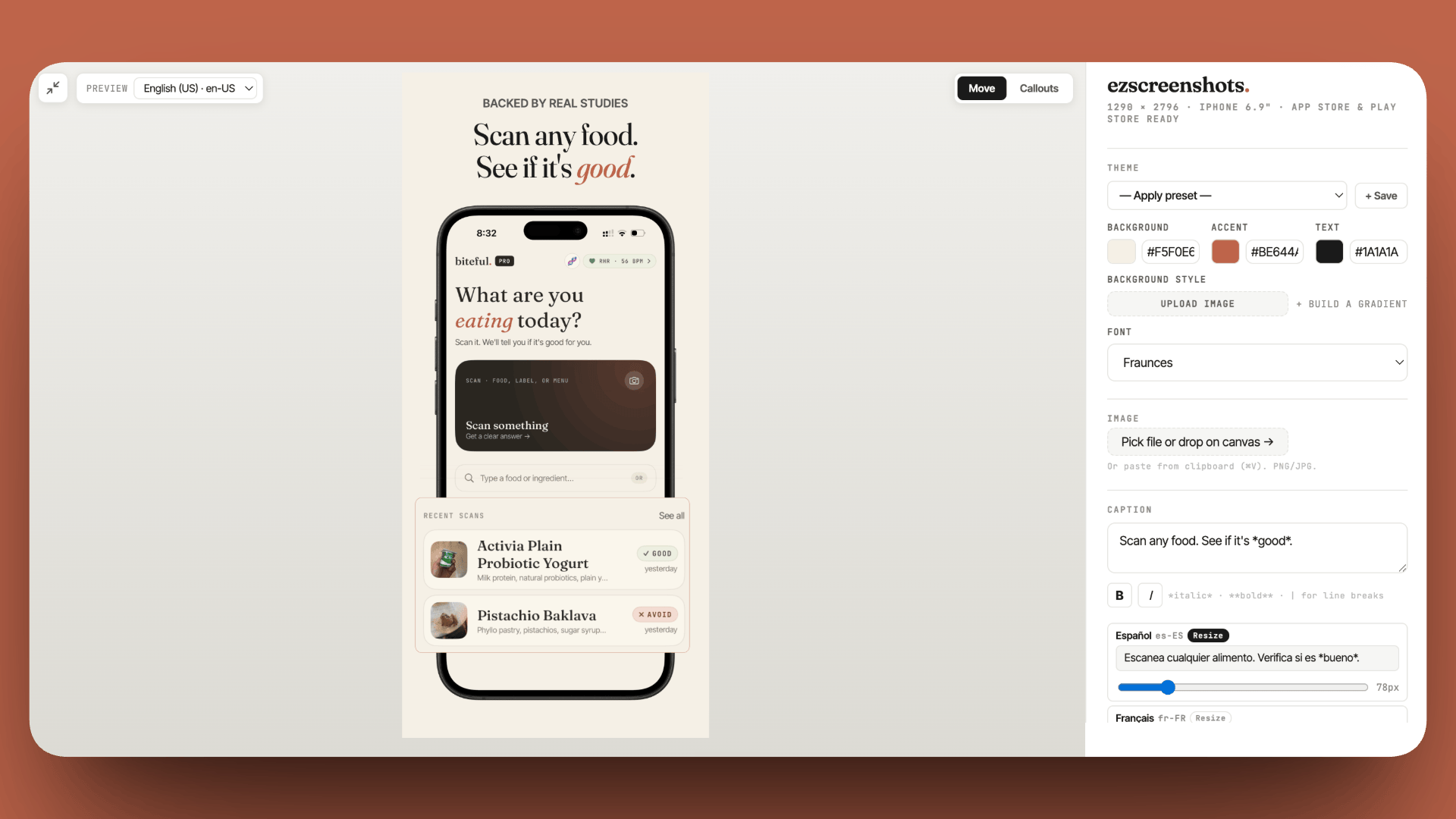
Make your paid app's listing do the work a free trial can't
Paid apps have no trial to fall back on — the screenshot is the only preview. Write the caption as an outcome, not a feature name. Drop in your Simulator screenshot, add the caption, export at the right dimensions. Free, no account needed.
Try ezscreenshots →Summary
- Paid upfront works for minimal utilities, widget apps, and one-task tools where value is immediate and doesn't require ongoing delivery
- Free + one-time IAP works when the free tier can demonstrate value quickly and the unlock is a natural next step — avoids subscription fatigue while letting users try before buying
- Subscription works when value compounds over time — fitness, habits, ongoing content, AI-powered features — and when the recurring charge feels proportional to ongoing delivery
- The dead zone: $1.99–$2.99 paid often underperforms both $0.99 and $4.99 — too high for impulse, not high enough to signal premium
- Subscription fatigue is real: explicitly calling out "no subscription" in your subtitle or first screenshot can be a conversion driver for utility apps
- Paid apps put more weight on the listing — no trial means the first screenshot has to answer "why is this worth paying for?" before any interaction
- Switching models: paid → free+subscription can revive growth; subscription → one-time IAP is increasingly popular as subscription fatigue grows; free → paid almost never works post-launch